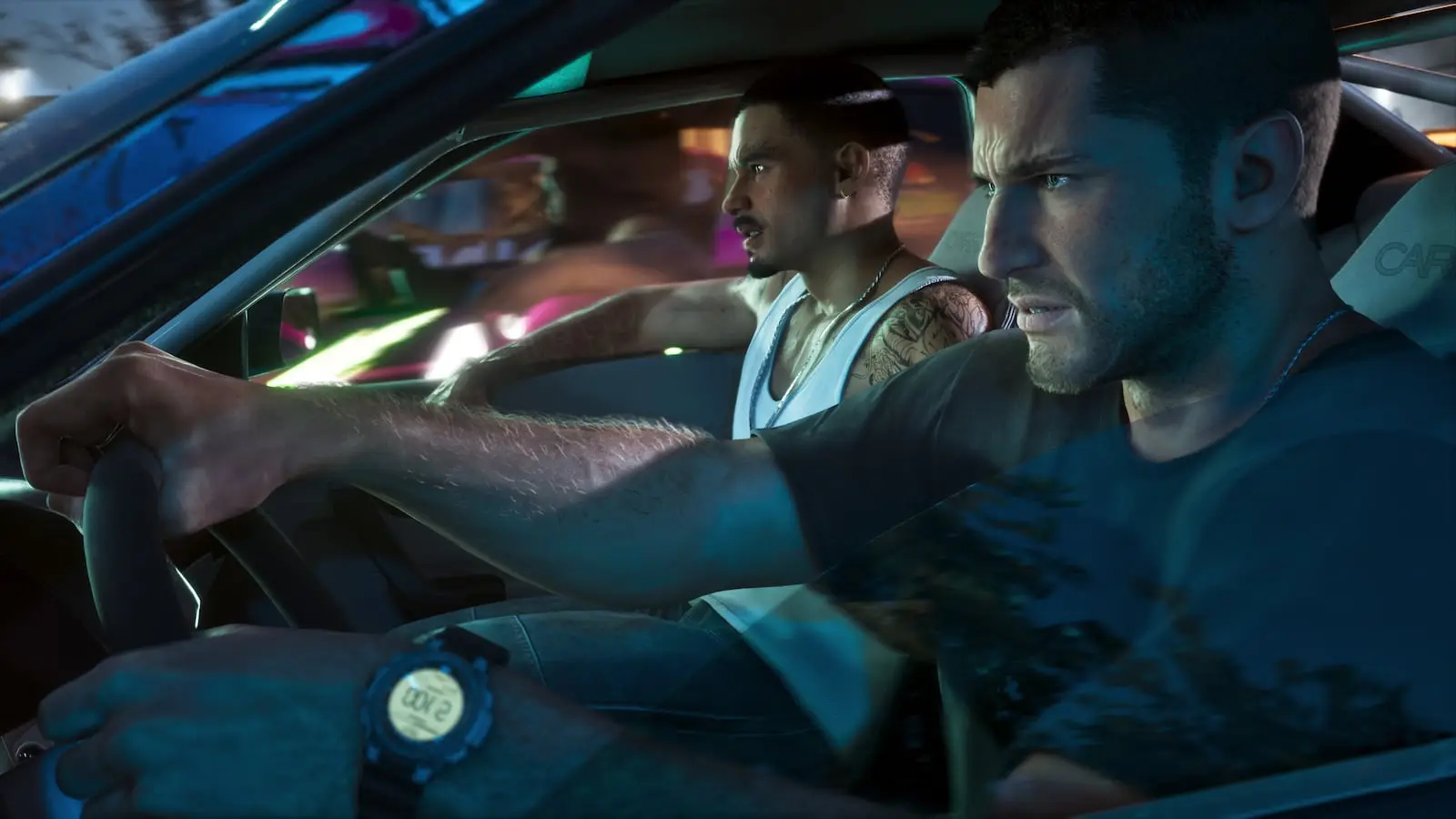
Leonida is big, and long drives can drag. GTA 6 has an auto drive mode that takes the wheel and drives you to your waypoint while you sit back in the cinematic camera.
Turn it on in Settings first
Go to Settings, then Gameplay, then Auto Drive, and set it to Unrestricted. This lets you use it anywhere, not just in some situations.
How to use it
- Open the map and set a waypoint. Without one, the auto drive prompt won’t show up.
- Get in a car and start driving.
- Switch to the cinematic camera.
- Accelerate a little with R2 (PS5) or RT (Xbox) until the auto drive prompt appears.
- Hold Circle (PS5) or B (Xbox) to start it.
While it’s driving, use R2/RT to speed up and L2/LT to slow down. Leave the cinematic camera to take the wheel back.
What to expect
The AI drives like a careful local. It follows traffic rules, stops at red lights and often takes a slower, more scenic route. It’s great for sightseeing but not for a getaway.
Other ways to skip a drive
- Let your partner drive. When Jason and Lucia are together, switch to the passenger and the other one drives. From the passenger seat, hold Right on the D-pad and press Square (PS5) or X (Xbox) to ask them to speed up. See switching characters.
- Take a RydeMe. Order a ride on the in-game RydeMe app, then pay $100 once you’re inside to skip straight to your destination.